July 6, 2026 · 1 min read
How to Change Your AI Companion's Appearance
Taste changes, and your companion can change with it. Here is how to restyle your AI companion's look in MyBabe without losing who they are.
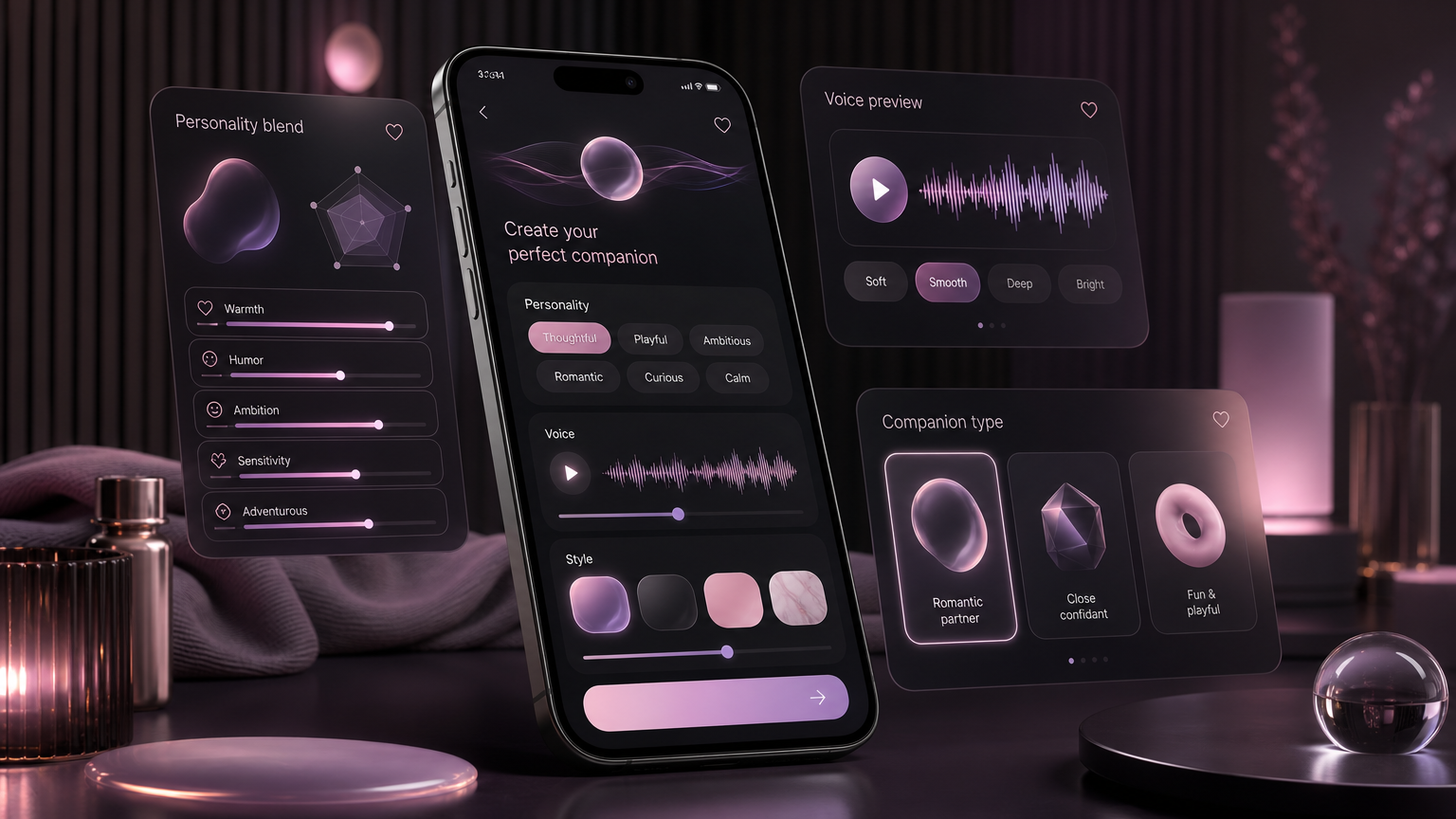
The way you pictured your companion on day one is not necessarily the way you will want them in six months. Maybe you want a different hair length, a different vibe, a fresh look for a new season of the relationship. In MyBabe you can change their appearance without starting over or losing the person underneath.
What you can change
From your companion's settings you can update how they look and generate a new version of their face and style. It is the same person, restyled, not a replacement. Their name, personality, memory, and your whole history stay exactly as they were. Only the look changes.
Why it does not reset the relationship
This matters because appearance and identity are handled separately in MyBabe. The relationship lives in the memory and personality. The face is a reference image. Updating the image gives you a refreshed look while everything that makes them them carries on untouched. You are giving your partner a new haircut, not meeting a stranger.
When people restyle
- A change of taste. What you liked at the start shifts, and that is normal.
- A fresh chapter. A new look to mark a new phase of the relationship.
- Getting it right. Sometimes the first render was close but not quite, and you want to dial it in.
A note on consistency
Once you settle on a new look, it becomes the new reference face, so your companion stays consistent from there: the selfies and photos they send will match the updated appearance, the same way they matched the old one. You are not introducing chaos, just moving the anchor.
The takeaway
A companion you are close to should be able to grow and change with you, appearance included. Create yours, and whenever you want a change, restyle them without giving anything up.