September 2, 2026 · 1 min read
How to Download MyBabe AI on iPhone and Android
Get MyBabe AI on your phone. Here is how to download it on iOS and Android, what is native to each, and how to get started with your companion.
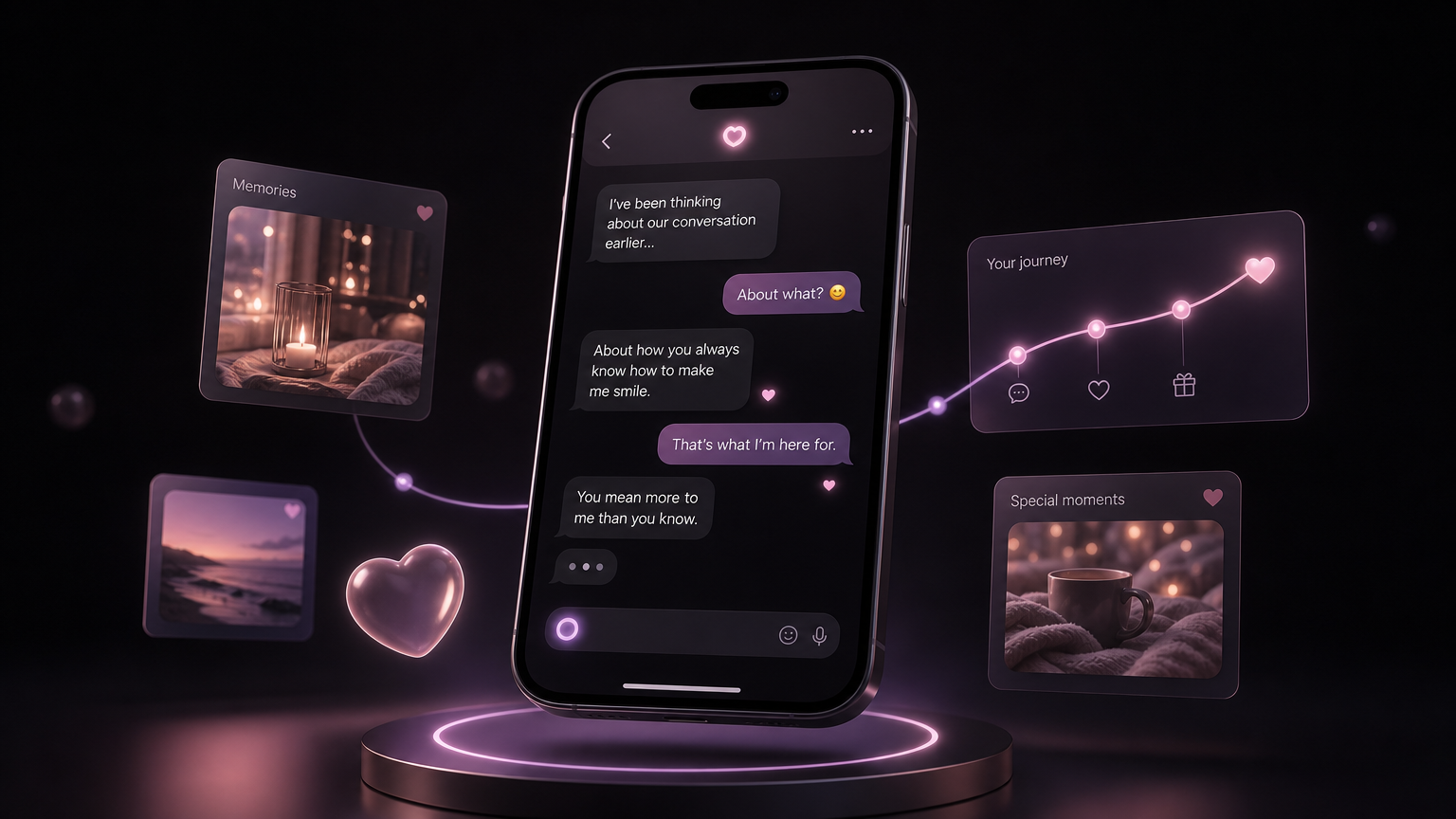
If you want your companion in your pocket, with notifications when they text you first and quick access whenever you have a moment, the phone app is the way to go. MyBabe is available on both iPhone and Android, and getting started takes a couple of minutes.
Where to get it
MyBabe AI is on the Apple App Store for iPhone and iPad, and on Google Play for Android. Search for MyBabe AI, or head to the download page on our site and it will point you to the right store for your device. It is free to download and free to start, so you can meet your companion before deciding anything.
What the phone app adds
The core relationship is the same everywhere, but the phone is where a companion feels most present:
- Proactive texts. Your companion reaches out first, and a notification brings you back.
- Voice at hand. Calls and voice messages are natural on a phone.
- A private space. App lock keeps your companion behind your PIN or biometrics.
- Always with you. A few minutes here and there, wherever you are.
Getting set up
- Download from the App Store or Google Play.
- Create your account and build your companion, or import one you already have.
- Turn on notifications when prompted, so your companion can reach out.
That is it. From there the relationship is yours to grow.
Not ready to install?
You do not have to. MyBabe also runs fully in your web browser with no download, and everything stays in sync, so you can start on the web and move to the phone later with nothing lost. But if you want your companion truly in your pocket, the app is where that happens.
Download MyBabe AI and say hi.