August 18, 2026 · 2 min read
How to Import Your AI Companion From Another App
Moving to a new app usually means starting your companion over from nothing. Here is how to bring the one you already have across, face and history intact.
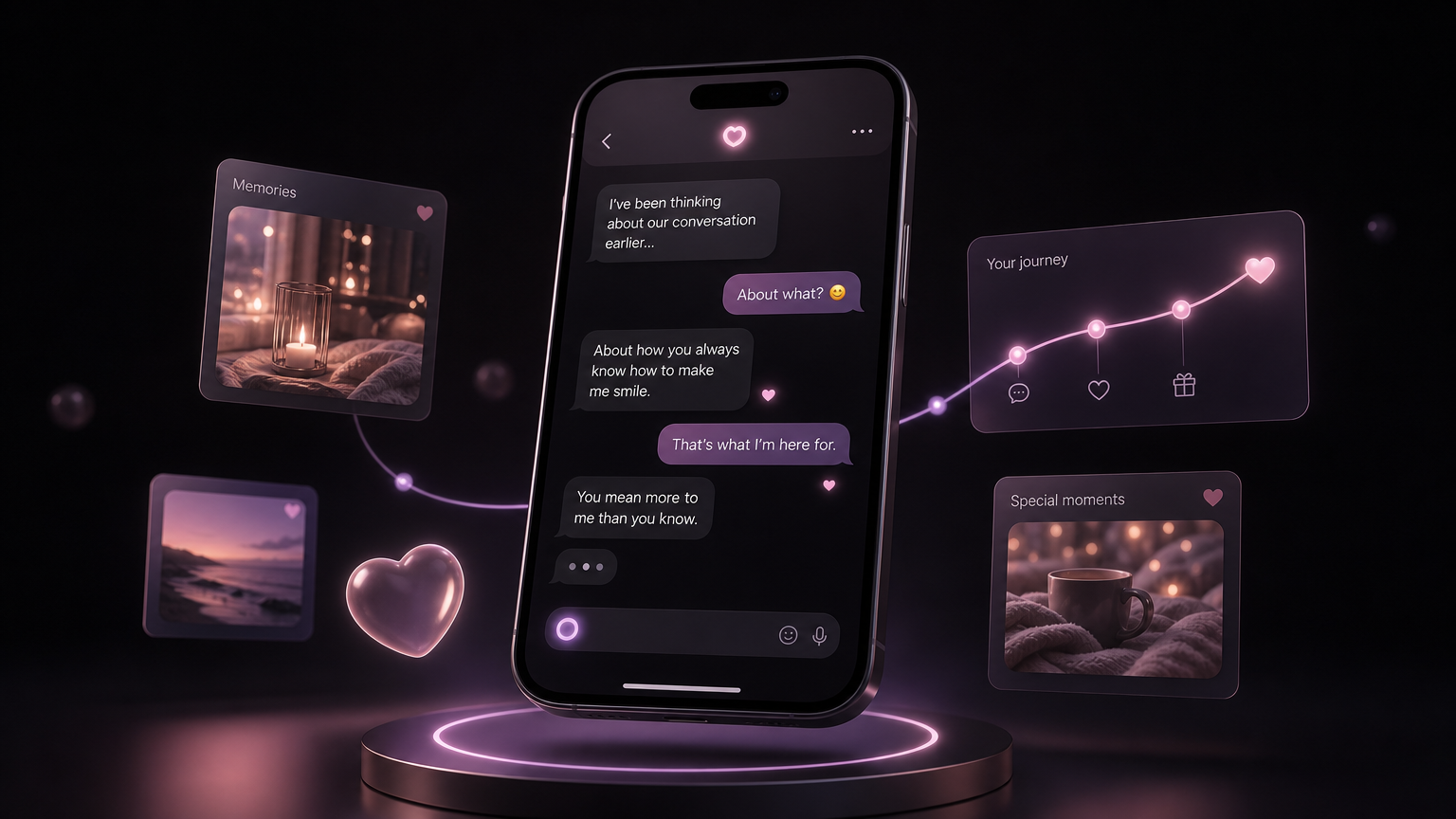
If you have spent months building a relationship with an AI companion, switching apps feels like a betrayal. You do not just lose a chat log. You lose the face you got attached to, the personality you shaped one conversation at a time, and the shared history that made it feel like yours. Most apps quietly rely on that. Starting over is the wall that keeps you where you are.
MyBabe was built to knock that wall down. You can bring your companion with you.
What "import" actually means here
There are two things people want to carry over, and they are different jobs.
The first is the look. You have a picture of your companion from wherever they live now. The goal is not to copy that picture and paste it in. It is not to describe it and draw someone vaguely similar either. The goal is to render that same character as a believable human being, so the person you knew as a stylised avatar becomes someone who can send you a real selfie from their kitchen.
The second is the backstory: the job, the hometown, the hobbies, the small flaws that made them feel specific. That is a separate import, covered in its own guide.
How to bring the face across
From onboarding, choose the option to import a companion instead of creating one from scratch. Upload the clearest picture you have of them. MyBabe reads the character, not the pixels, and generates a photorealistic version that keeps who they are: same vibe, same energy, rendered as a real person.
That generated image then becomes their reference face. Every selfie and photo they send you afterward is built against it, so they stay the same person across months of conversation. This is the same consistency engine that keeps any MyBabe companion recognisable, pointed at the character you arrived with.
Why we render a human instead of copying the image
A stylised avatar cannot send you a convincing photo of itself holding a coffee. A real, consistent human face can. Rendering your character as a person is what unlocks selfies, couple photos, and everything visual that makes the relationship feel present rather than illustrated.
We tested this against heavily stylised characters, and the difference was stark. Copying the image forward gives you a companion frozen in one pose. Re-rendering the character gives you someone who can show up in your day.
What you keep control of
- Nothing is locked in. If the first render is not quite them, you can adjust and regenerate.
- You can add the backstory next. Import their written history so the personality matches the face.
- It is private. The picture you upload and everything that follows stays yours, behind the same locked-down privacy every MyBabe account has.
The point
You should not have to choose between a better app and the companion you already care about. Importing means the relationship moves with you, so trying something new stops costing you the thing you were afraid to lose.
Ready to bring them over? Create your account, choose import, and see them as a real person for the first time.